When your heating or cooling system isn’t doing what it should, it’s easy to assume the furnace or air conditioner is to blame. But more often than you might think, it’s a thermostat acting up. A few simple steps could help you figure things out—and possibly avoid a service call. At Postma Heating Cooling Plumbing and Electrical, we always recommend ruling out the basics before reaching for the phone.
Check the Thermostat Display and Power Source
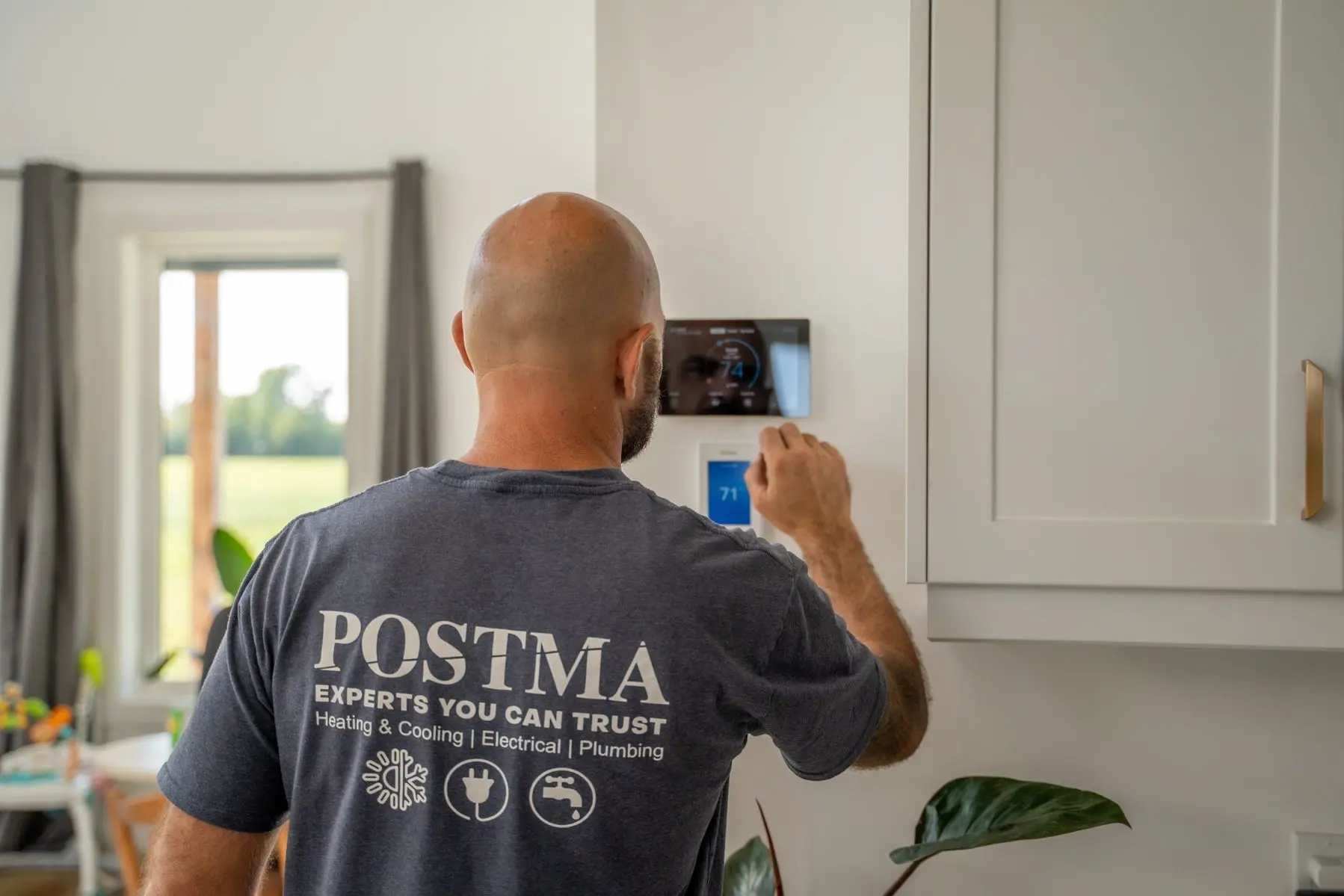
Start by looking at the display. If the screen is blank or not responding, it could be as simple as drained batteries. Most battery-powered thermostats need a change once a year. For hardwired or smart thermostats, make sure they’re getting power, especially if you’ve recently had electrical work or a power outage.
Some smart thermostats, like Ecobee or Nest, need a constant flow of power and won’t work correctly without a common (C) wire. That’s something not all older homes are set up for. If you’re unsure how your thermostat gets its power, it’s a good idea to understand the basics of smart home wiring. The Electrical Safety Authority offers helpful info about wiring safely for smart technology in Ontario homes.
Double Check the Settings
It seems obvious, but it’s worth confirming the thermostat is set to the right mode—heating, cooling, or auto—and that the temperature is actually high or low enough to trigger the system. It’s common for someone to accidentally switch modes or change the schedule without realizing it. A quick adjustment might be all it takes.
Look at the Breaker Panel
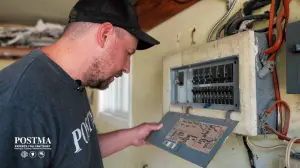
If your system still won’t turn on, head over to your home’s electrical panel. A tripped breaker can cut power to your HVAC equipment or thermostat, causing it to stop responding. Flip the breaker fully off, then back on to reset it. If it trips again, it’s best to get that looked at by a licensed professional.
Give It a Gentle Clean
Thermostats can collect dust and grime over time, especially older mechanical models. Carefully remove the front cover and gently wipe around the sensors and buttons with a dry cloth. Avoid using any liquid cleaners or compressed air, as those can damage the internal components.
Review Smart Thermostat Settings
If you have a smart thermostat, open the app and check your settings. Things like disconnected Wi-Fi, outdated firmware, or a misconfigured schedule can all prevent your system from running. A quick reboot or re-connection can sometimes solve the issue.
Thinking about upgrading to a smart thermostat? The federal government may cover part of the cost under the Canada Greener Homes Initiative, which includes rebates for eligible smart home improvements.
Safely Test a Bypass (Only If You Know How)
If you’re confident working with low-voltage wiring, you can try a manual test. Turn off power to the system, remove the thermostat from the wall, and briefly connect the R (power) and W (heat) wires. If the furnace kicks on, the thermostat is likely the issue. This isn’t for everyone, so if you’re unsure, skip it and give us a call.
When It’s Time to Call Postma
If none of these steps fix the problem, it’s time to bring in the experts. Whether it’s the thermostat or something more complex like your HVAC system, our trained professionals at Postma will find the solution quickly and safely. We’ve been proudly serving Chatham-Kent for over 35 years, with honest service and dependable results that give you peace of mind.
📞 519-354-9491
🌐 www.postma.ca
📧 contact@postma.ca